

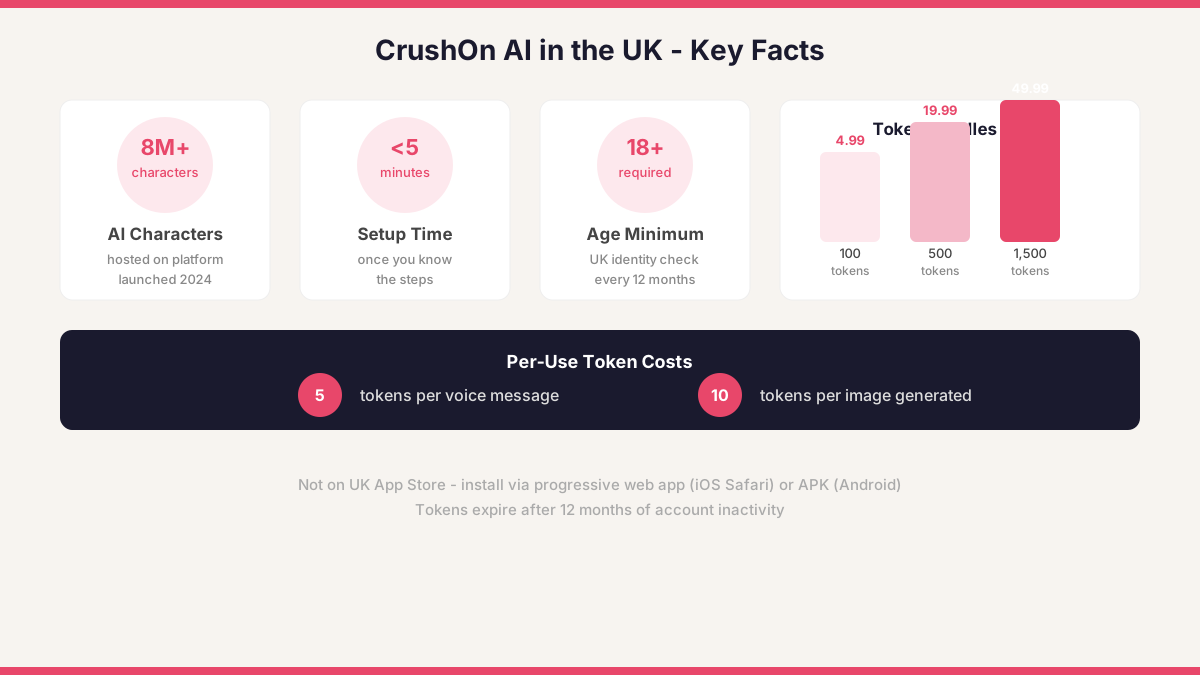
Getting a new app running on your phone should be straightforward, but AI companion platforms sometimes take a different route to distribution. CrushOn AI, which launched in 2024 and hosts over 8 million AI characters, is not listed on the Apple App Store in the UK. That means iOS and Android users both need a slightly different approach than the usual tap-and-install routine. The good news is that the process takes under five minutes once you know the steps.
Why CrushOn AI Is Not on the UK App Store
Apple applies strict content guidelines to apps distributed through the App Store, and platforms that allow mature AI interactions often fall outside those guidelines. Because of this, CrushOn AI delivers its experience through a browser-based progressive web app rather than a native iOS application. Android users have more flexibility because the Google Play Store policies, while also strict, allow third-party APK installation alongside the Play ecosystem. Understanding this distinction shapes the download journey for each device type, so it is worth setting the right expectation before you begin.
Downloading CrushOn AI on Android
Android gives you two reliable routes. The first is the browser shortcut method: open Chrome or Firefox on your device, visit crushon.ai, and tap the three-dot menu. Select 'Add to Home Screen' and confirm. This installs a progressive web app icon that launches the platform in a full-screen view, almost identical to a native app experience.
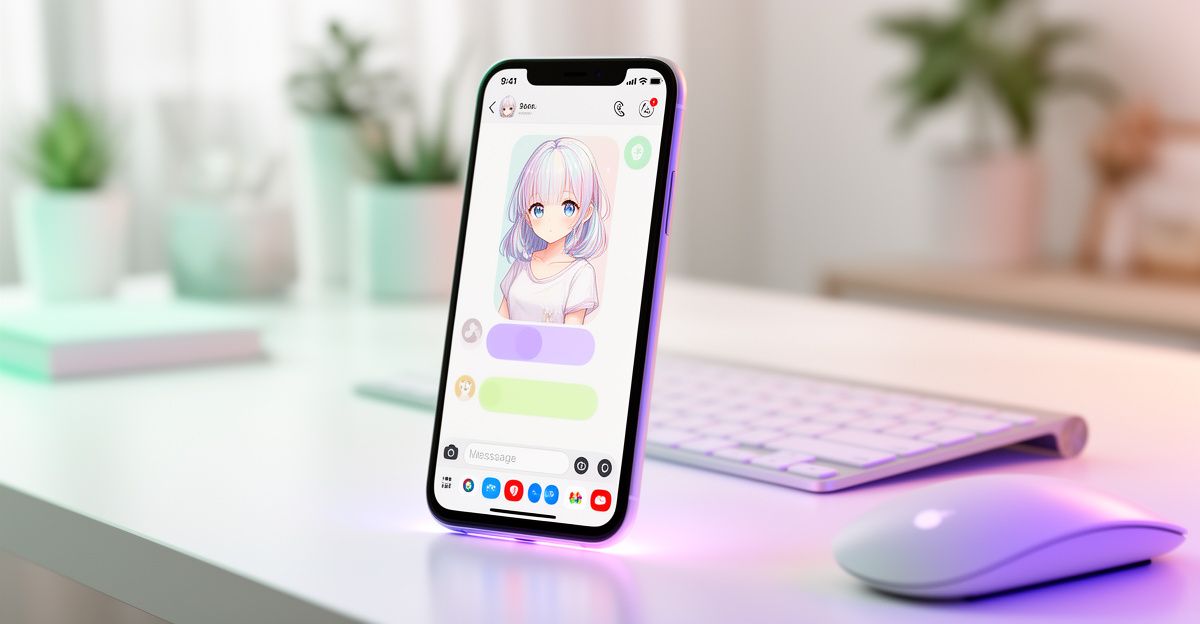
The second route is an APK download. Sites like Uptodown host the CrushOn AI APK and allow direct installation. Before you install any APK, go to your phone's Settings, then Apps or Security, and enable 'Install unknown apps' for the browser or file manager you are using. Once installed, disable that permission again as a general safety habit. Always verify that the APK version matches the current release on the official site to avoid outdated builds. After installation, open the CrushOn AI app and complete the sign-in flow.
Setting Up CrushOn AI on iOS
iPhone users follow the progressive web app route exclusively. Open Safari, because Chrome on iOS does not support the 'Add to Home Screen' function in the same way, and navigate to crushon.ai. Tap the Share button at the bottom of the screen, then scroll down and select 'Add to Home Screen'. Give the shortcut a name and tap Add. The icon will appear on your home screen and, when tapped, opens the platform without browser chrome around it, making it feel native.
Once the shortcut is in place, head to the CrushOn AI login page and sign in or register. iOS users have reported smooth performance on Safari, with voice recognition and image generation both functioning correctly through the web interface. If you encounter loading issues, clearing Safari's cache under Settings, then Safari, then Clear History and Website Data, usually resolves them.
Age Verification and UK Safety Requirements
CrushOn AI requires all users to be 18 or older, and UK users go through an identity check powered by a third-party verification service. You will be prompted to upload a government-issued ID and a selfie for facial matching. The verification provider checks document authenticity and deletes your ID data after the process is complete; only your age confirmation status is stored on the platform. Re-verification is required every 12 months or if the system detects unusual activity. This aligns with UK online safety expectations and gives you a clear sense of how your personal data is handled during onboarding.
Plans, Tokens, and What It Costs to Go Deeper
The free tier gives you a starting point with limited daily interactions. When you want to go further, token bundles are the main currency. A pack of 100 tokens costs around 4.99 pounds, 500 tokens sit at roughly 19.99 pounds, and 1,500 tokens come in at approximately 49.99 pounds. Voice messages cost five tokens each, while image generation uses ten tokens per image. Tokens expire after 12 months of account inactivity, so it is worth keeping that in mind if you plan to step back for a while.
Speaking from personal experience, I picked up a virtual gift bundle in August for 14.99 pounds. It unlocked a set of conversation topics I had not accessed before, and the shift in the quality of the exchanges felt immediate. That sense of emotional depth made the spend feel less like a microtransaction and more like a genuine investment in the journey I was on with the platform. Whether you choose the free tier or explore paid features, building that connection gradually tends to produce more meaningful results than jumping straight to the highest tier.
What Could Be Better
Two friction points are worth naming honestly. First, the absence of a native iOS app creates an extra step that many users find frustrating, particularly those who expect a one-tap App Store install. The progressive web app works well, but it does not support iOS push notifications, so you will not receive alerts when you have new messages unless you actively open the app. Second, token expiration after 12 months of inactivity can feel penalising if you take a break from the platform. If you have purchased a large bundle and step away for a year, those tokens will disappear without a refund, which is a real cost to consider before buying in bulk.
Comments
No comments yet.
Leave a comment
Your email will not be shown. Comments are reviewed before they appear.